


DESKTOP / A4 DEVICES – NEW AND IMPROVED
The modern workplace continues to evolve, and so does office printing technology. While traditional A3 multifunction copiers remain an essential part of many business environments, today’s A4 printers and multifunction printers (MFPs) are becoming an increasingly valuable complement for small and growing businesses.
Thanks to major advancements from manufacturers like HP and Canon, modern A4 business devices now offer impressive speed, professional-quality output, advanced security, and cloud-connected workflows in a compact design. For many small businesses, these newer A4 devices are no longer viewed as simple desktop printers — they are powerful business tools designed to improve productivity, support hybrid work, and create more efficient office environments.
A4 Technology Has Evolved Significantly. Over the past several years, A4 printers and MFPs have advanced dramatically in both performance and reliability. Many of today’s business-class A4 devices offer features once reserved primarily for larger departmental copiers.
Modern A4 systems can now include:
High-speed printing and scanning, Single-pass duplex scanning,
Advanced touchscreen interfaces, Cloud and mobile printing
Secure print release, User authentication, Workflow automation
Integration with Microsoft 365 and Google Workspace
This evolution allows businesses to place powerful print and scan capabilities closer to employees and departments without sacrificing performance.
For smaller offices, satellite locations, or growing companies, this flexibility creates a more responsive and productive work environment.
Don’t think of it as a replacement of the A3 products, rather as a perfect complement to your office system



HP Black & White LaserJet Printer
- Speed: 52ppm
- Paper Capacity: 650 – 2,300 Sheets
- Max Paper Size: Legal (11″ x 14″)
- Options: Additional Paper trays, Wi-fi Card


HP Black & White LaserJet MFP
NEW X52952dn / X53052dn/z
- Speed: 52ppm
- Paper Capacity: 650 – 2,300 Sheets
- Max Paper Size: Legal (11″ x 14″)
- Options: Additional Paper trays, Wi-Fi
HP Black & White LaserJet Printer
- Speed: 57ppm
- Paper Capacity: 650 – 2,850 sheets
- Max Paper Size: Legal (11″ x 14″)
- Options: Additional paper trays, printer stand. Wi-Fi
X60357 Specs
HP Black & White LaserJet MFP
NEW – X62757dn/z
- Speed: 57ppm
- Paper Capacity: 650 – 2,850 sheets
- Max Paper Size: Legal (11″ x 14″)
- Options: Additional paper trays, printer stand. Wi-Fi



Canon ImageFORCE 1440 Series
Laser / A4 Monochrome Multifunction Device
- Speed – 42ppm
- Paper Capacity – 300 – 900 Sheets
- Max Paper size – 8 1/2″ x 14″ ( Legal)
- Max Paper Weight – 199gsm ( 73.6 lb cover)
- Max Scan Speed – 80ipm (300dpi, BW/Color, Duplex)
- Max Print Resolution – 1200 x 1200 dpi

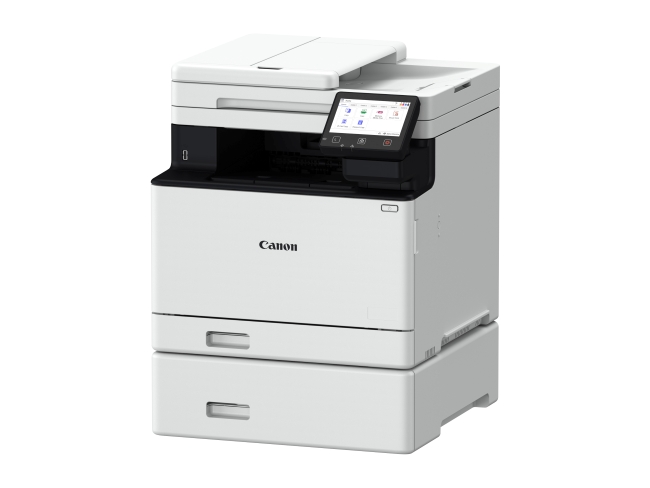

Canon ImageFORCE C1333
laser / A4 Color Multifunction Device
iF C1333
- Speed – 35 ppm
- Paper Capacity – 250 – 850 Sheets
- Max Paper size – 8-1/2” x 14”
- Max Paper Weight – 200gsm ( 74lb cover)
- Max Scan Speed – 100ipm (300dpi, BW, Duplex)
- Max Print Resolution – 1200 x 1200 dpi


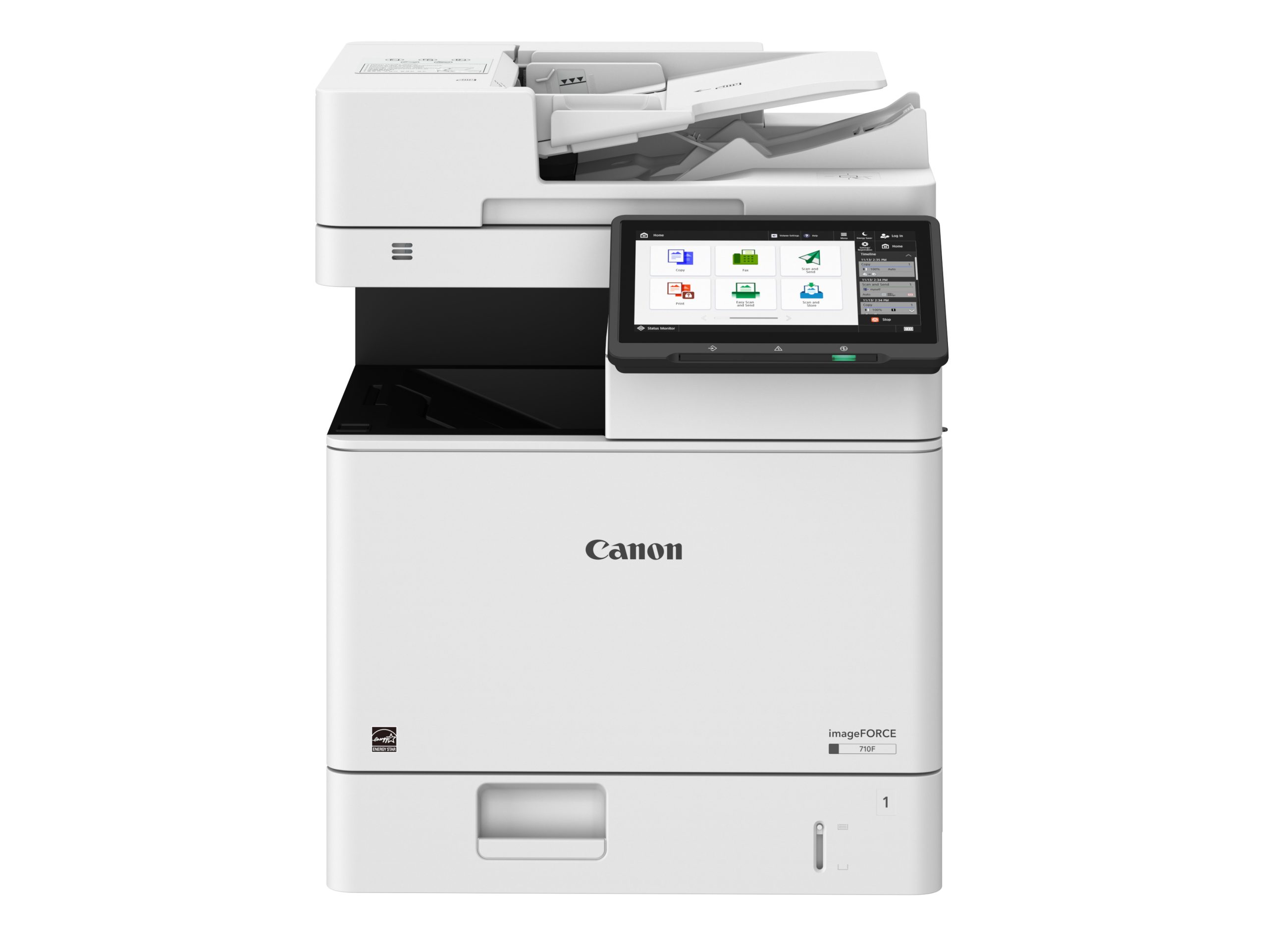
Canon ImageFORCE 710 Series
laser / A4 Monochrome Multifunction Device
iF C710 / 610 / 520
- Speed – 75ppm/ 65ppm / 55ppm
- Paper Capacity – 630 – 2,300 Sheets
- Max Paper size – 8.5 x 14″
- Max Paper Weight – 216gsm ( 79lb cover)
- Max Scan Speed – 200ipm (300dpi, BW/Color, Duplex)
- Max Print Resolution – 1200×1200 dpi
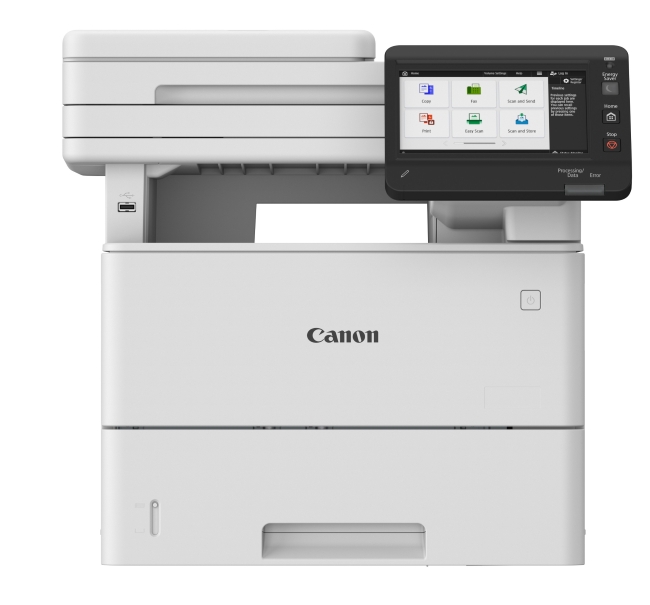
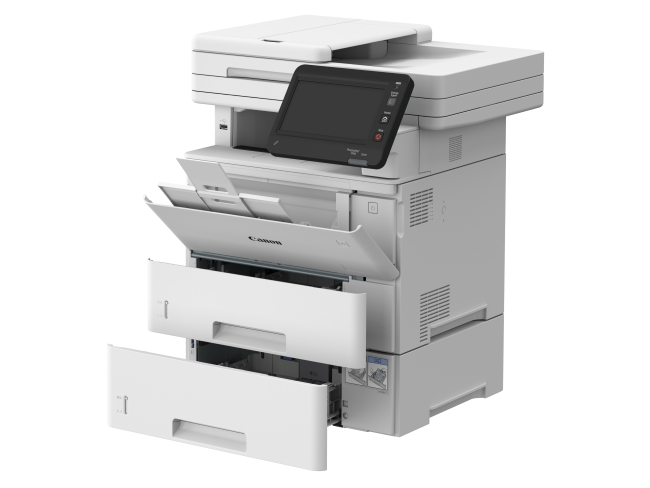
Canon ImageFORCE 1643 Series
Laser / A4 Monochrome Multifunction Device
- Speed – 45ppm
- Paper Capacity 2,300 Sheets
- Paper size -LTR / LGL
- Max Paper Weight – 199gsm ( 73.6lb cover)
- Max Scan Speed – 100ipm (300dpi, BW/Color, Duplex)
- Toner Yield – up to 20,500 impressions
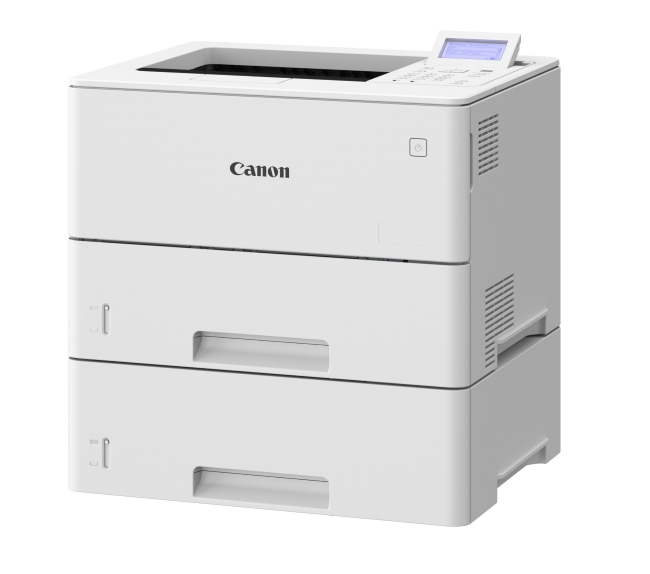
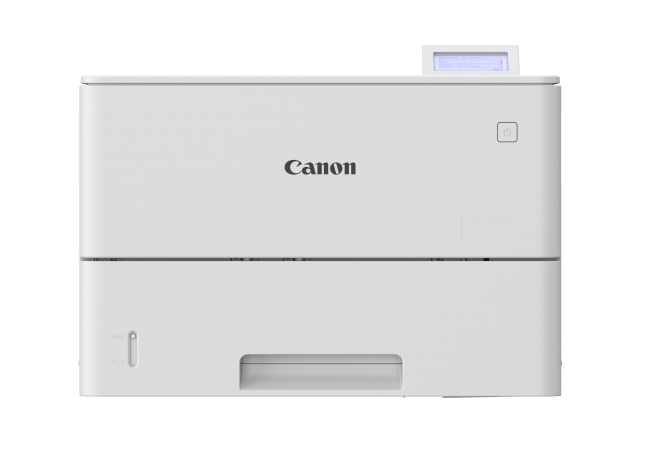
Canon ImageFORCE 1643 Series
Laser / A4 Monochrome Printer
- Speed – 45ppm
- Paper Capacity 2,300 Sheets
- Paper size -LTR / LGL
- Max Paper Weight – 199gsm ( 73.6lb cover)
- Paper Tray Capacity – 550 sheets
- Toner Yield – up to 20,500 impressions

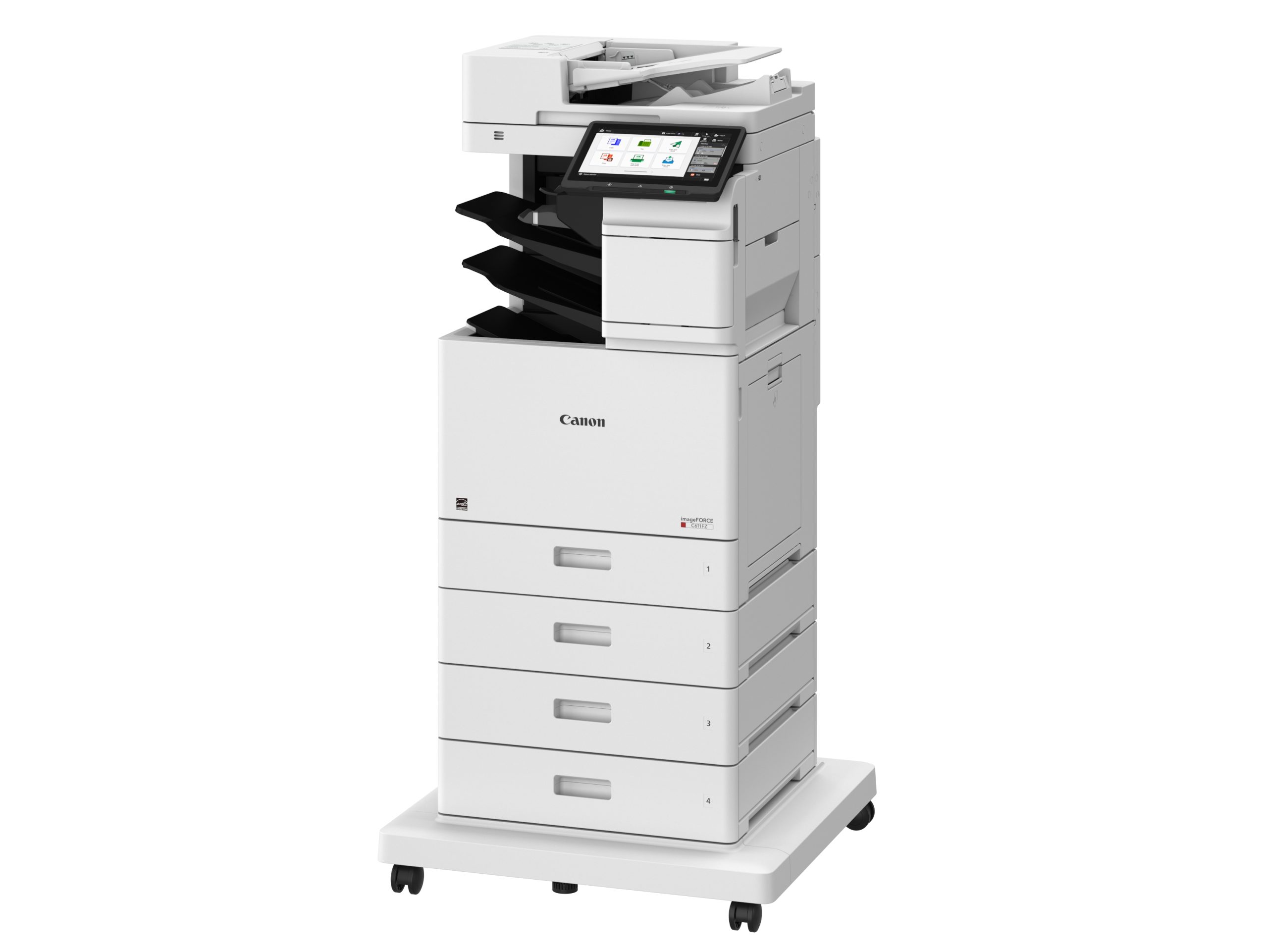


Canon ImageFORCE C611 Series
laser / A4 Color Multifunction Device
- Speed – 65ppm / 55ppm / 45 ppm / 34 ppm
- Paper Capacity – 650 – 2,300 Sheets
- Max Paper size – 8-1/2” x 14”
- Max Paper Weight – 216gsm ( 79lb cover)
- Max Scan Speed – 200ipm (300dpi, BW/Color, Duplex)
- Max Print Resolution – 1200 x 1200 dpi


HP Black & White LaserJet MFP
- Speed: 40ppm
- Paper Capacity: 350 – 900 Sheets
- Max Paper Size: Legal (11″ x 14″)
- Options: Additional Paper tray, Wi-fi Card
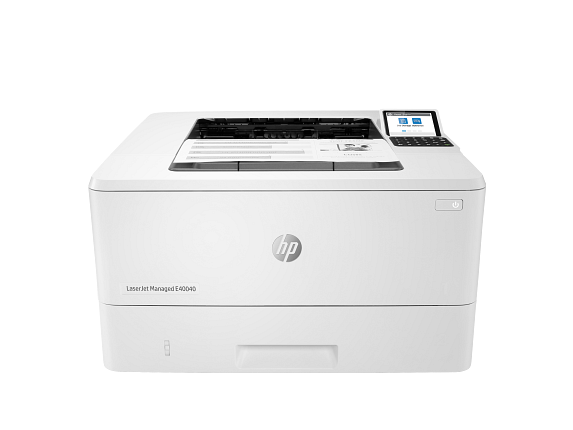

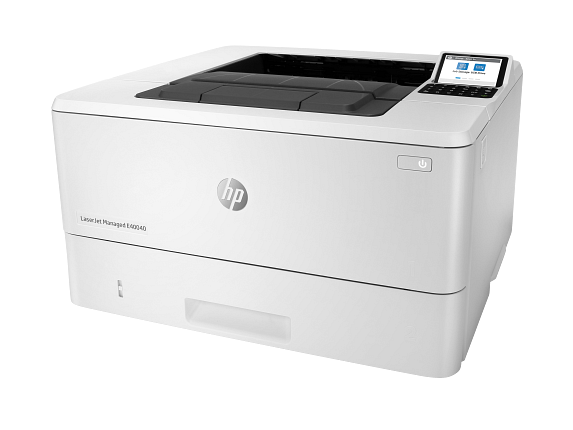
HP Black & White LaserJet Printer
E40400dn
- Speed: 40ppm
- Paper Capacity: 350 – 900 Sheets
- Max Paper Size: Legal (11″ x 14″)
- Options: Additional Paper tray, Wi-Fi

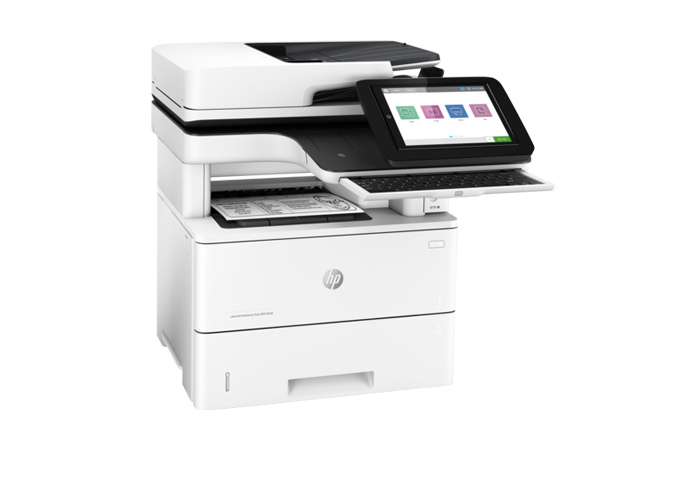
HP Black & White LaserJet
- Speed: 45ppm
- Paper Capacity: 650 – 2,300 sheets
- Max Paper Size: Legal (11″ x 14″)
- Options: Additional paper trays, printer stand. Wi-Fi

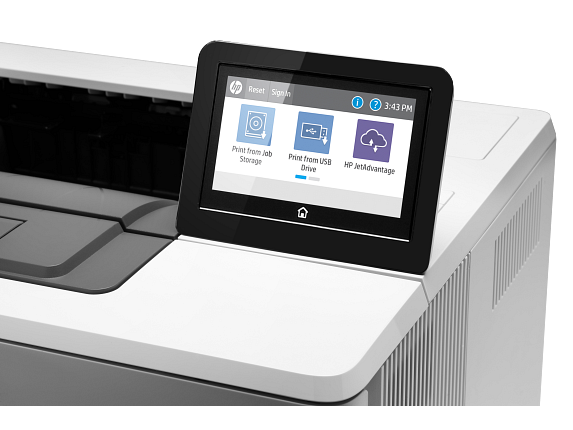
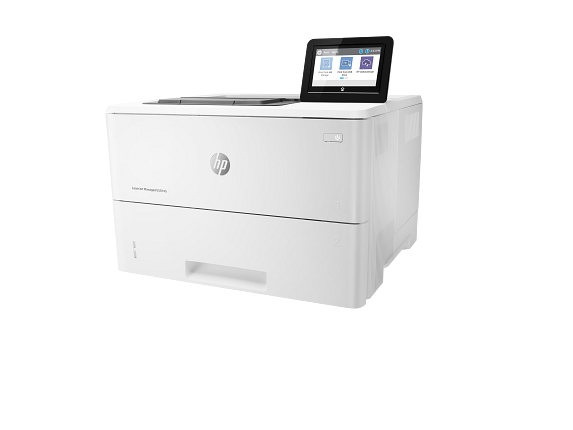
HP Black & White LaserJet Printer
- Speed: 45ppm
- Paper Capacity: 650 – 2,300 sheets
- Max Paper Size: Legal (11″ x 14″)
- Options: Additional paper trays, printer stand. Wi-Fi
Specs E50145


HP Black & White LaserJet MFP
M635mfp / E62665mfp
- Speed: 65ppm
- Paper Capacity: 650 – 4,400 Sheets
- Max Paper Size: Legal (11″ x 14″)
- Options: Additional paper trays, Printer stand, HCI tray with stand, Wi-Fi


HP Black & White LaserJet MFP
- Speed: 55ppm
- Paper Capacity: 650 – 3,750 sheets
- Max Paper Size: Legal (11″ x 14″)
- Options: Additional paper trays, Printer stand, HCI tray with stand, Wi-Fi
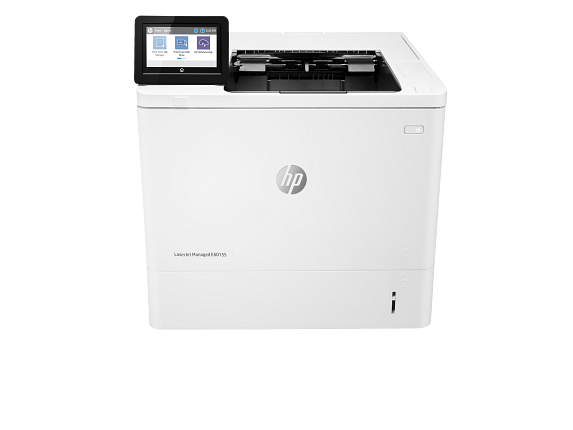

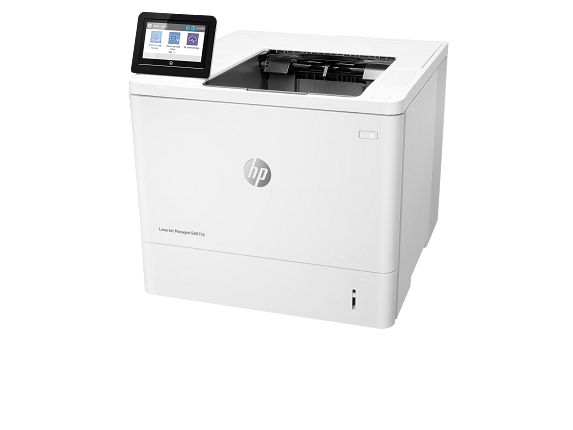
HP Black & White LaserJet Printer
E60155 / E60165 / E60175
- Speed: 55ppm / 65ppm / 75ppm
- Paper Capacity: 650 – 3,750 sheets
- Max Paper Size: Legal (11″ x 14″)
- Options: Additional paper trays, Printer stand, HCI tray with stand, Wi-Fi


HP Color LaserJet
- Speed: 28ppm
- Max Paper Size: Legal ( 8.5″ x 14″)
- Options : Additional paper tray


HP Color LaserJet
- Speed: 40ppm
- Paper Capacity: 650 -2,300 Sheets
- Max Paper Size: Legal ( 8.5″ x 14″)
- Options : Additional paper trays , printer stand

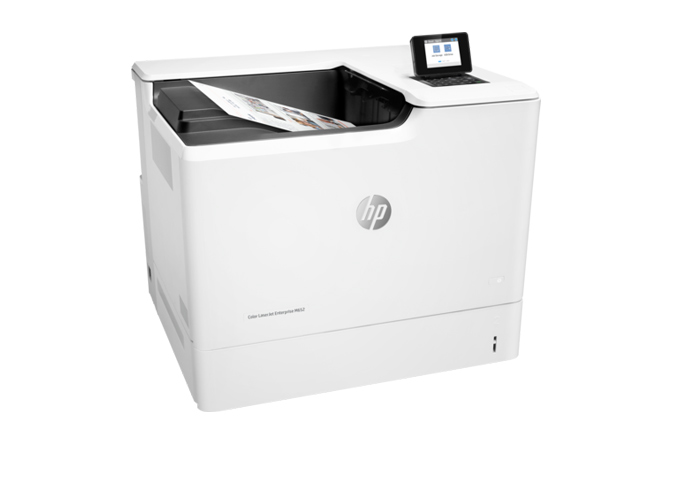
HP Color LaserJet
- Speed: 50ppm
- Paper Capacity: 650 – 3,200 Sheets
- Max Paper Size: Legal ( 8.5″ x 14″)
- Options : Additional paper trays , printer stand
Signa Digital Solutions
Frequently Asked Questions
Can I put HP devices on a maintenance plan? How is the tracking and reporting accomplished?
Learn about HP WOLF Security in Printers, Click here